Luna Design System
Designing a mobile design system where one token source drives Apple and Material components, in light and dark mode, from Figma to SwiftUI, Compose, Flutter and CSS.
One token source for Apple and Material, in light and dark.
The context
Mobile teams ship the same product twice: once in Apple's language and once in Google's, and usually twice more for light and dark. Kits that look complete on day one fall apart on the first rebrand, because colors, radii and type sizes are typed by hand into hundreds of layers.
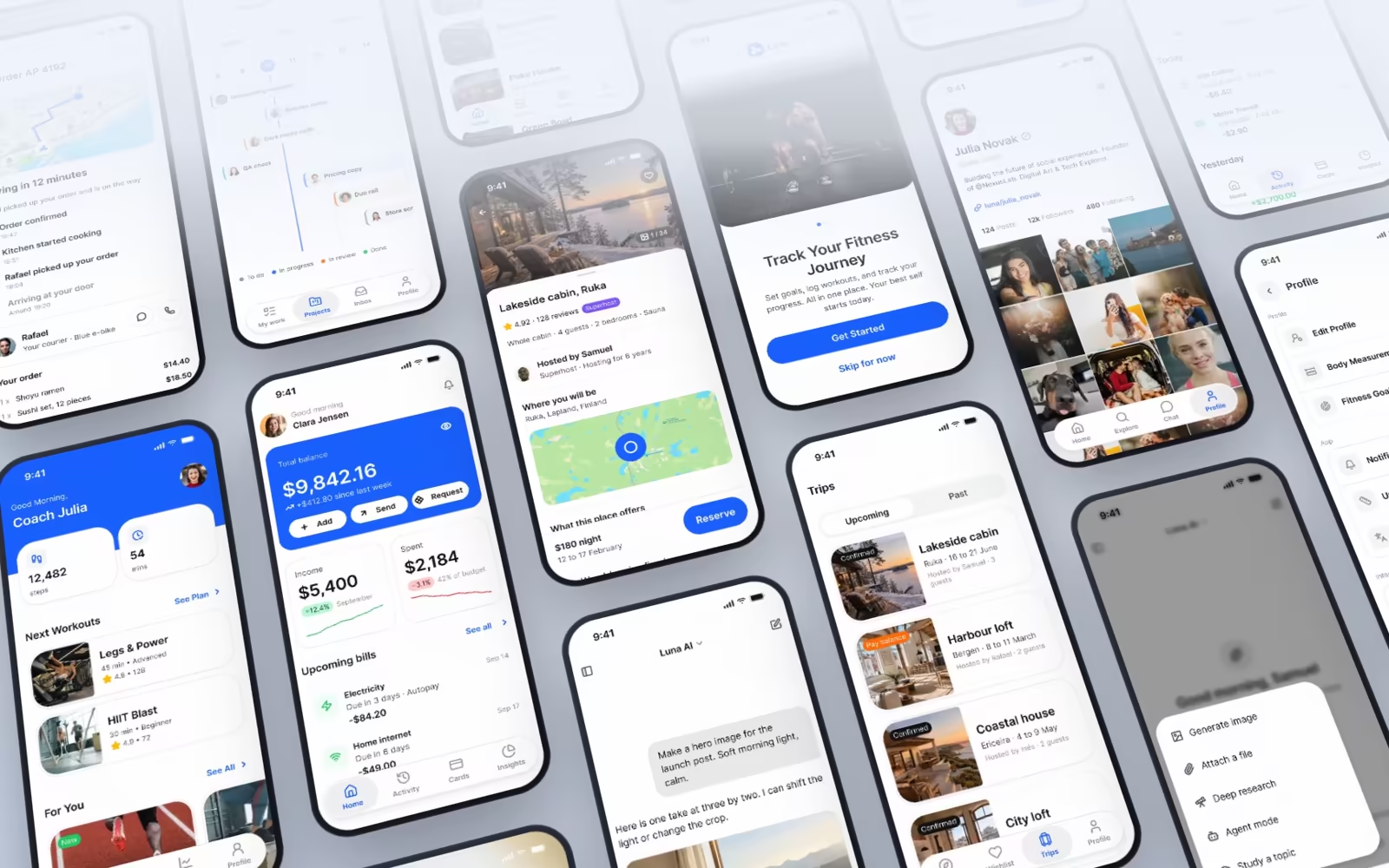
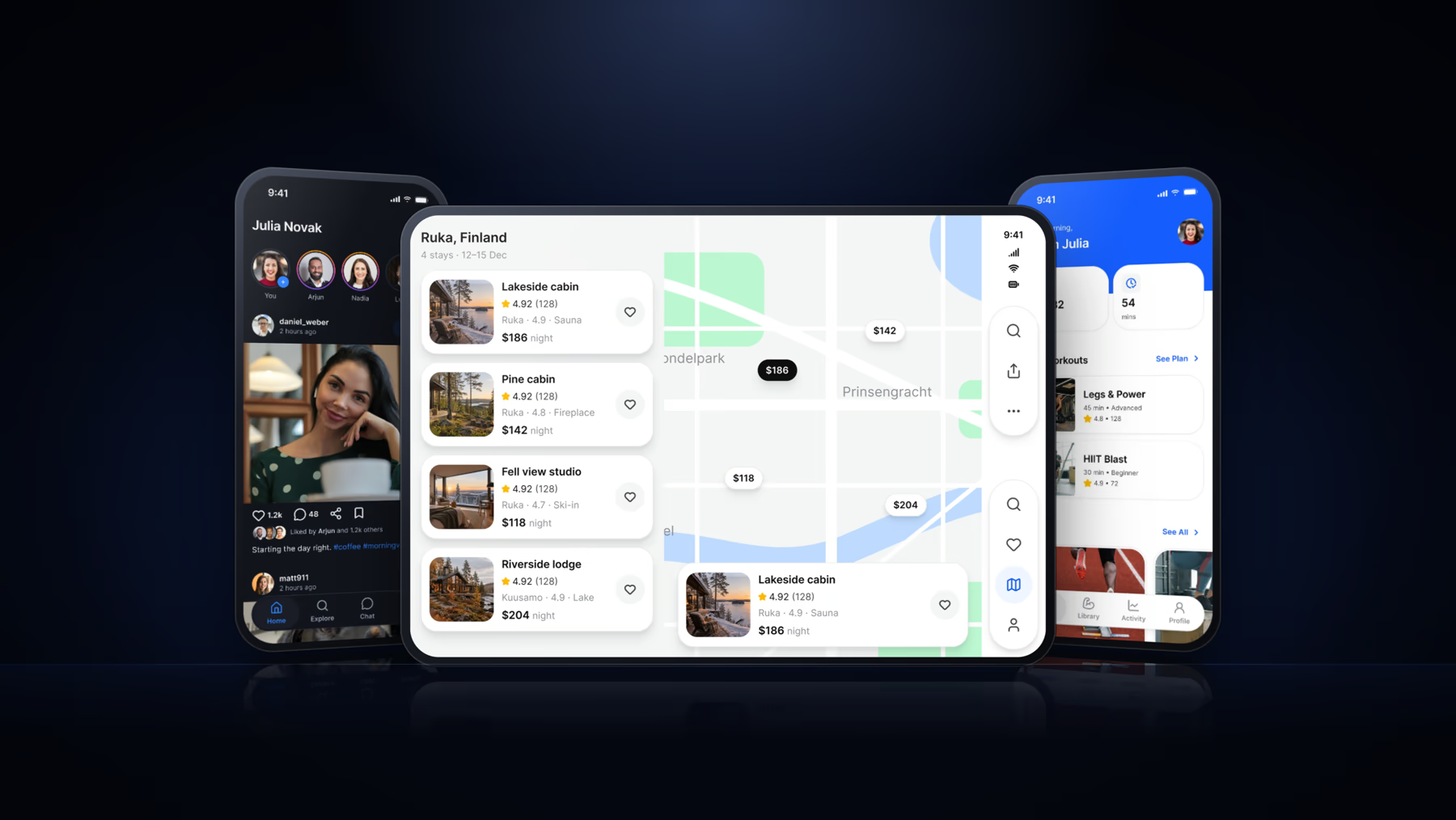
Luna is a Figma design system for iOS and Android apps, built so that one token source drives Apple and Material components in light and dark mode, and exports to SwiftUI, Jetpack Compose, Flutter and CSS. I designed it end to end, from the color ramps to the components, the native patterns and complete application screens.
A UI kit is a collection. Teams needed a system.
Most mobile kits draw every variant by hand: a dark copy of each component, a Material copy of each iOS screen, a new set of colors for every brand. Every copy is a place where the next change can be missed. Designers spend their time keeping files in sync instead of designing, and the code never quite matches what was drawn.
The rules the system is built on
- (01)
Name the role, never the value
Components point to semantic tokens such as brand/base or text/strong-950. The token points to a foundation, and the chain runs one way only.
- (02)
Modes instead of copies
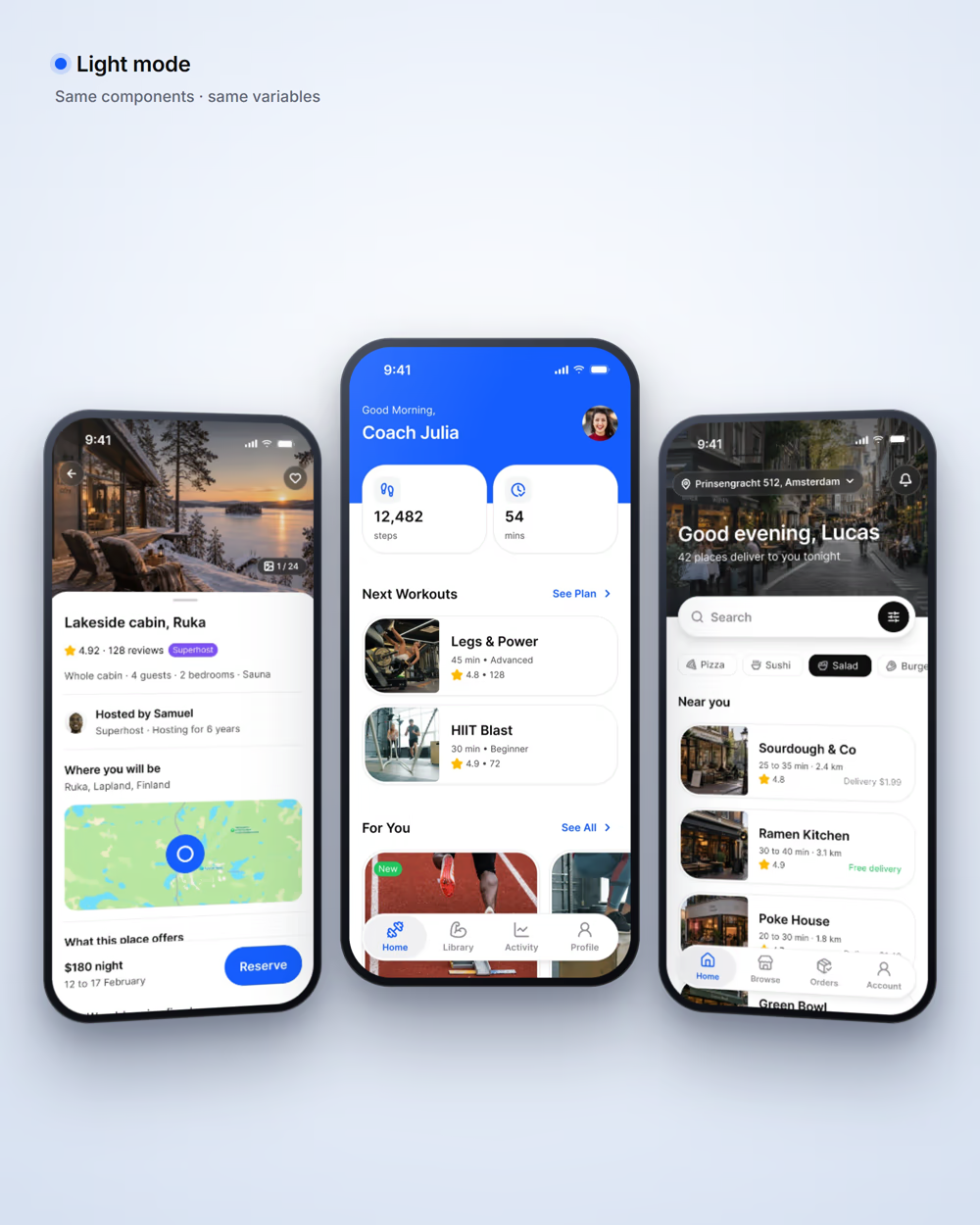
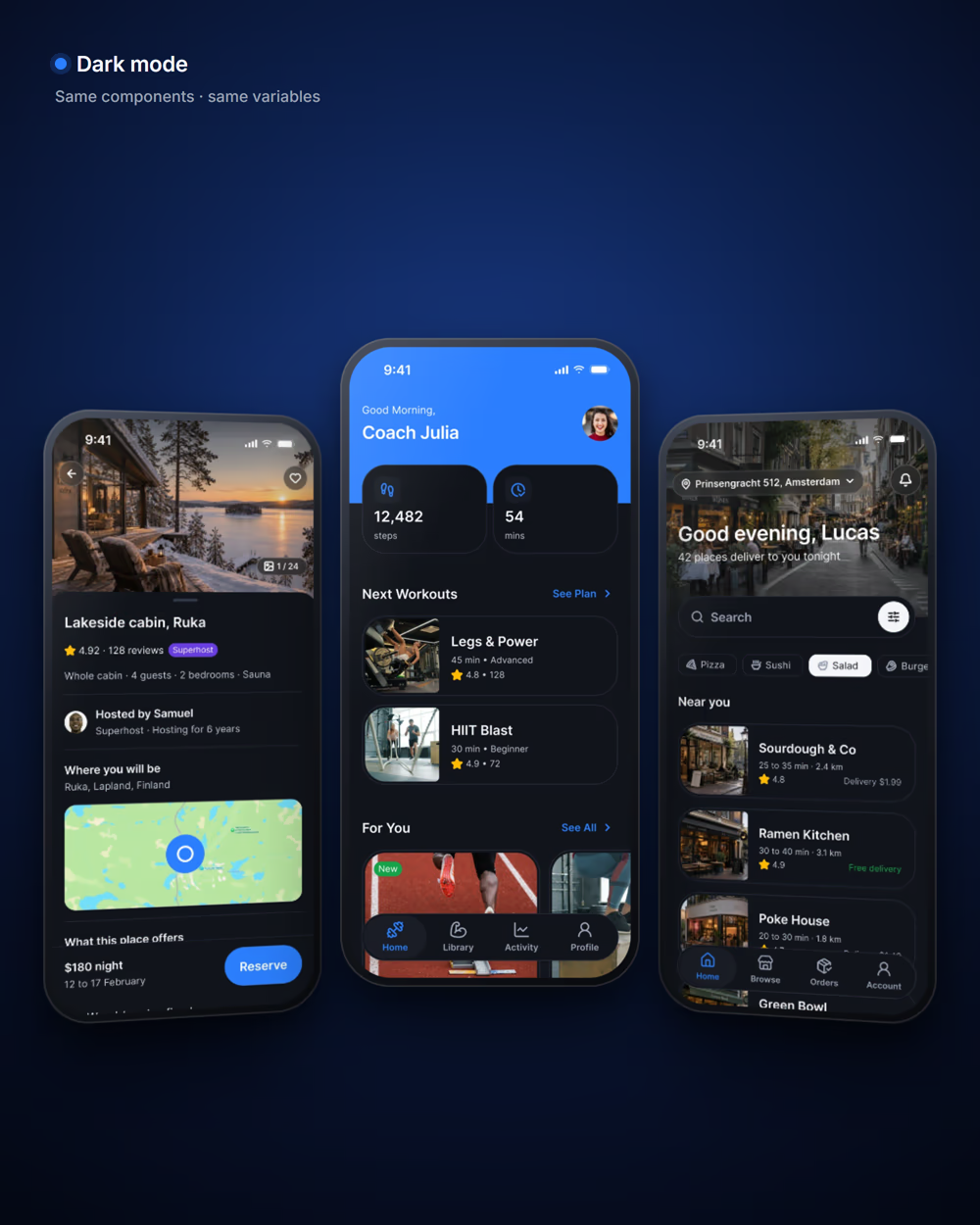
Light and Dark are two modes of one collection, so no component has a dark variant. Setting the mode on a frame re-resolves everything inside it.
- (03)
Platforms differ in numbers, not intent
A touch target is 44 on iOS and 48 on Android, a top bar 44 or 64. A Platform collection carries those numbers, so one component obeys both.
- (04)
A brand has to live inside native patterns
The Platform Bridge maps 112 Apple and Material slots to Luna tokens in Brand mode, or to the platform's published values in System mode.
A component never names a color. It names a token, the token names a foundation, and the chain runs one way only.
— Luna DS documentation, Read me
How it was built
- (01)
Foundations
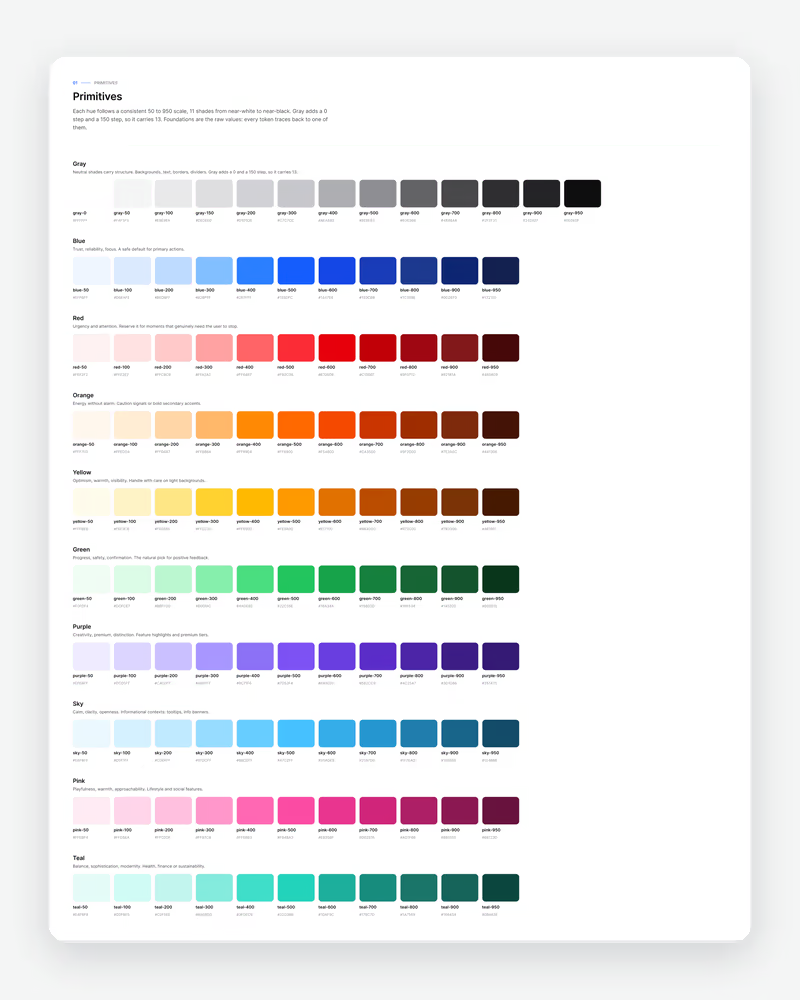
Ten primitive ramps from 50 to 950, a ten-step type scale in Inter, and spacing, radius, border, icon, elevation, blur and motion scales.
- (02)
Semantic tokens
161 color roles across Light and Dark: background, text, border, foreground, state and brand, each aliasing a foundation.
- (03)
Platform layer
A Platform collection for touch targets, safe areas, bars and corners on ios-md, ios-lg and android, plus the 112-slot Platform Bridge.
- (04)
Components and patterns
78 component pages with every state bound to a token, 21 Apple and 17 Material 3 patterns redrawn in Luna geometry.
- (05)
Screens and code
Complete app screens for finance, fitness, social, AI, booking and more, assembled from instances, with outputs for SwiftUI, Compose, Flutter and CSS.
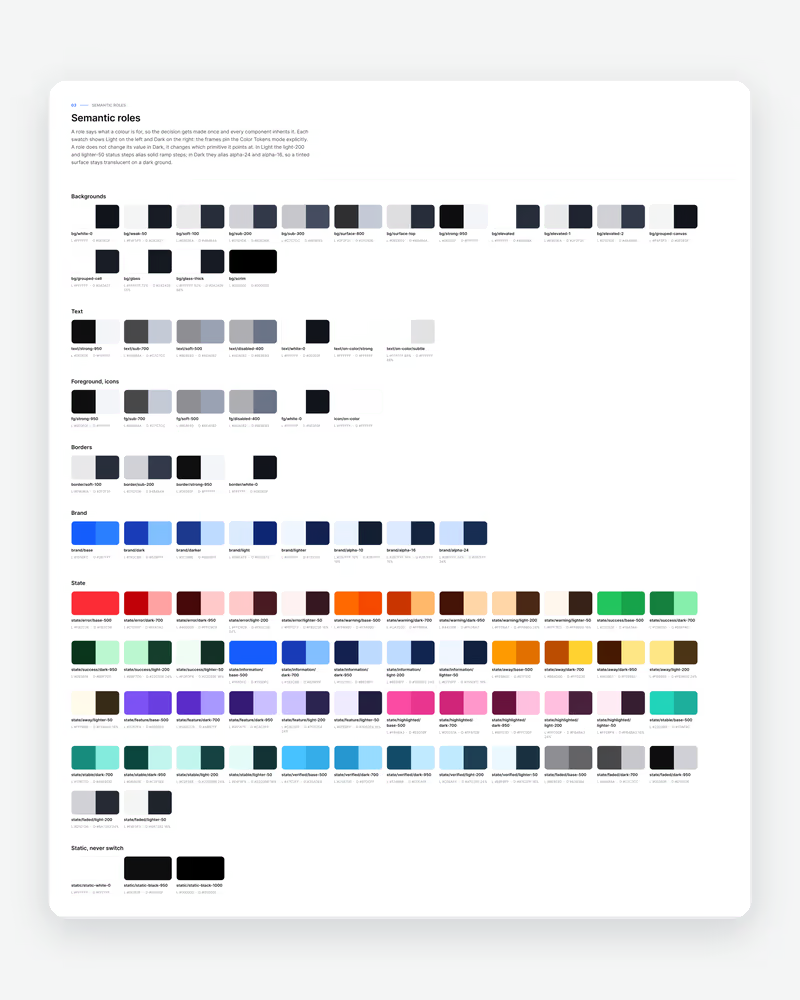
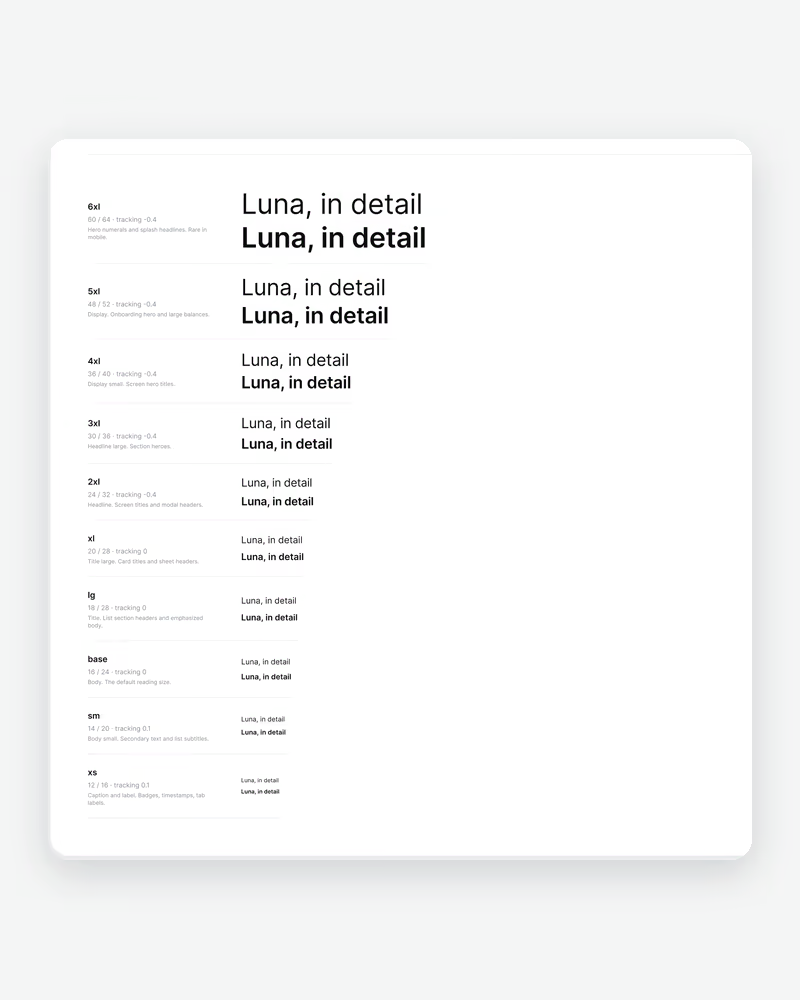
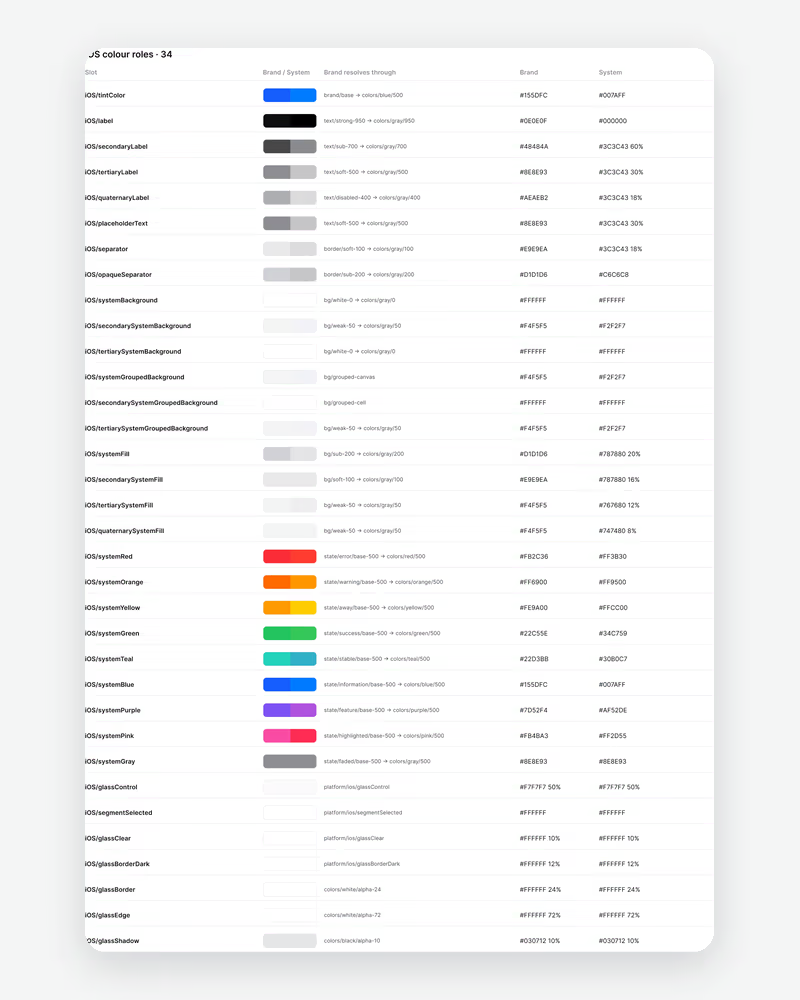
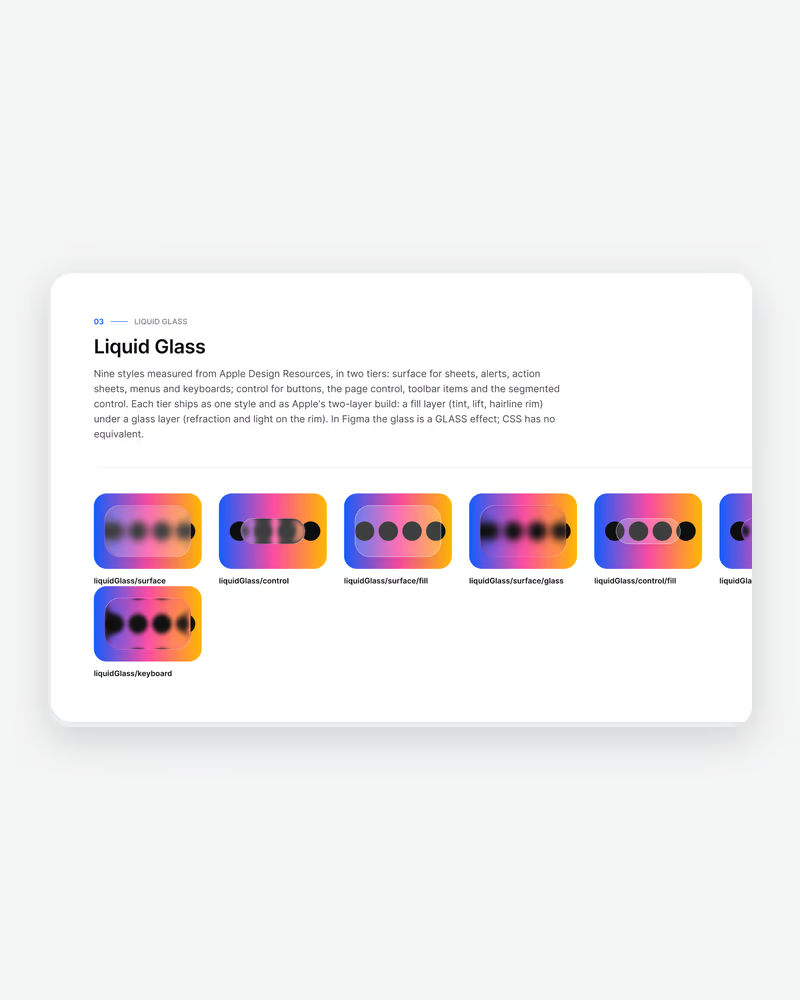
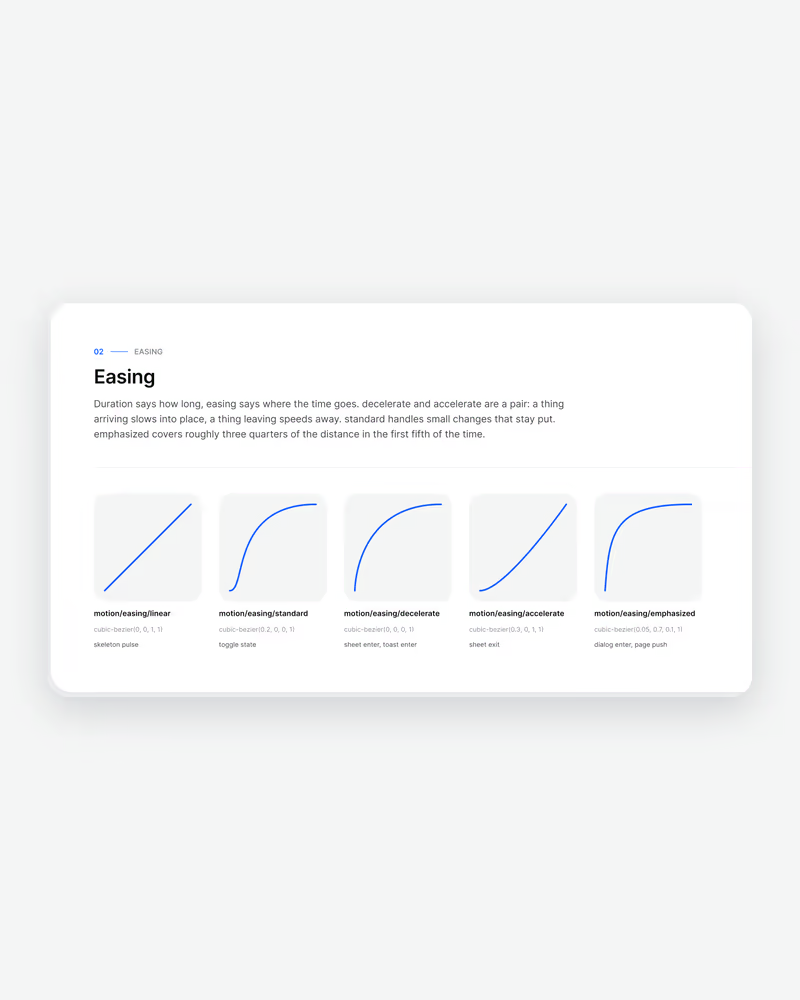
Change one token, and every screen follows.
Every measurement in Luna comes from a step in a scale, and every color from a semantic role. Pick Light or Dark and ios-md, ios-lg or android on a frame and everything inside re-resolves; switch the Platform Bridge between Brand and System to check a screen against the native palette.
Rebranding happens in one place: change brand/base, or the ramps in Foundations, and every component, screen and generated output follows. The finance screens below are the same instances in both modes, not a second drawing.
What is in the box
What I’d take to the next system
- (01)
A system is its constraints
No paint styles and no dark variants were deliberate choices: every shortcut removed was one less place for the system to drift.
- (02)
Design the code at the same time
Naming tokens the way SwiftUI, Compose, Flutter and CSS read them kept the file and the code describing the same thing.
- (03)
Show it working on real screens
Complete app screens built only from instances proved the system faster than any documentation page could.
Magnum SCD